
mobiGO3.3.3 - Google Play
You'll be able to see results in few seconds.
Publisher Description

mobiGO is a professional-grade driving recorder app that must be used with a POPCO car charger.
mobiGO includes the full functionality required for the driving recorder, so you don't have to spend a lot of money to buy a driving recorder. It also provides convenient functions that are not available in general driving recorders. For example, you can directly browse and manage the captured videos on your mobile phone, and upload videos to social websites and audio-visual platforms easily and instantly. It can also be shared via the communication software. The operation interface is intuitive and simple, so you don't have to spend time familiar with the operation, anyone can easily get started.
Intuitive operation, simple sharing, breaking the old mode of the driving recorder is more in line with the purpose and spirit of the driving recorder.
※Support operating system is Android 5.0 or above
mobiGO installation and usage instructions
If you only need the charging function, please plug the POP charger into the cigarette lighter on the car and use the power transmission cable to connect the charger to the mobile phone to start charging.
To use the mobiGO Driving Recorder app, you must first install this app as follows:
1. Confirm that the operating system of the mobile phone is Android 5.0 or above.
2. Make sure your phone is connected to the Internet via Wi-Fi or a mobile network.
3. Go to Google Play to download the app in two ways:
A. Insert the POP charger into the cigarette lighter on the car, use the power transmission cable to connect the charger to the mobile phone, the system will automatically guide to the mobiGO installation page on Google Play, click to install.
B. Go directly to Google Play and search for "mobiGO" to find and install mobiGO.
4. After installing the mobiGO app, the first time you connect the POP car charger, the system will ask if you want to open mobiGO when connecting this accessory, check the “Preset use” option, and click “OK”.
5. In the future, the device will be connected to the POP car charger, and mobiGO will start automatically.
mobiGO function description
- Connect the POP car charger, the app will automatically turn on and start recording, no need to do extra operations, easy to get on the road!
- Driving video, snapshot function
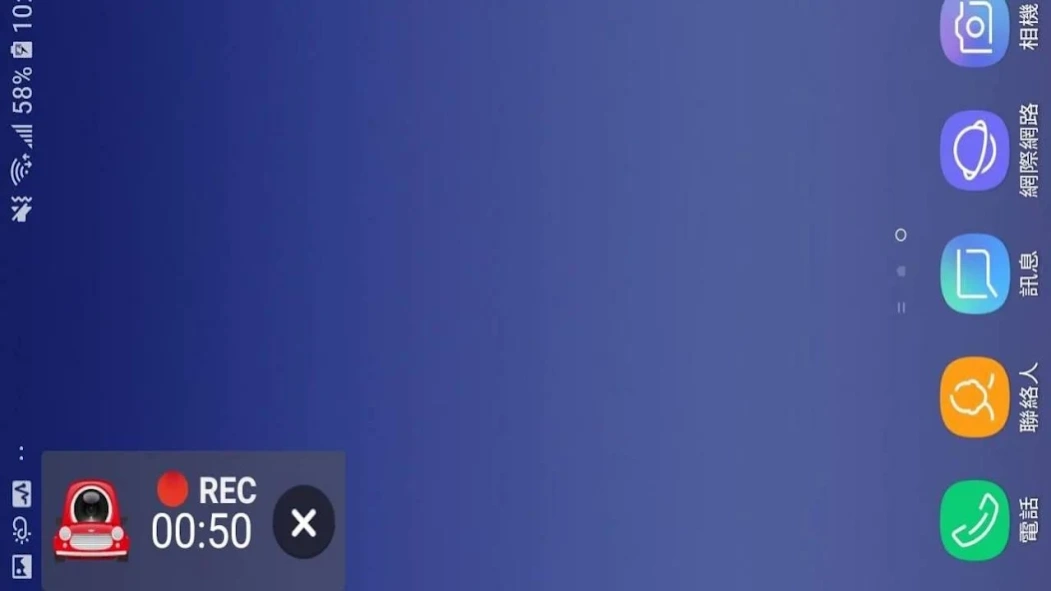
- Background video function, when there are incoming calls, text messages or other operations, the video can be played in the background without interruption
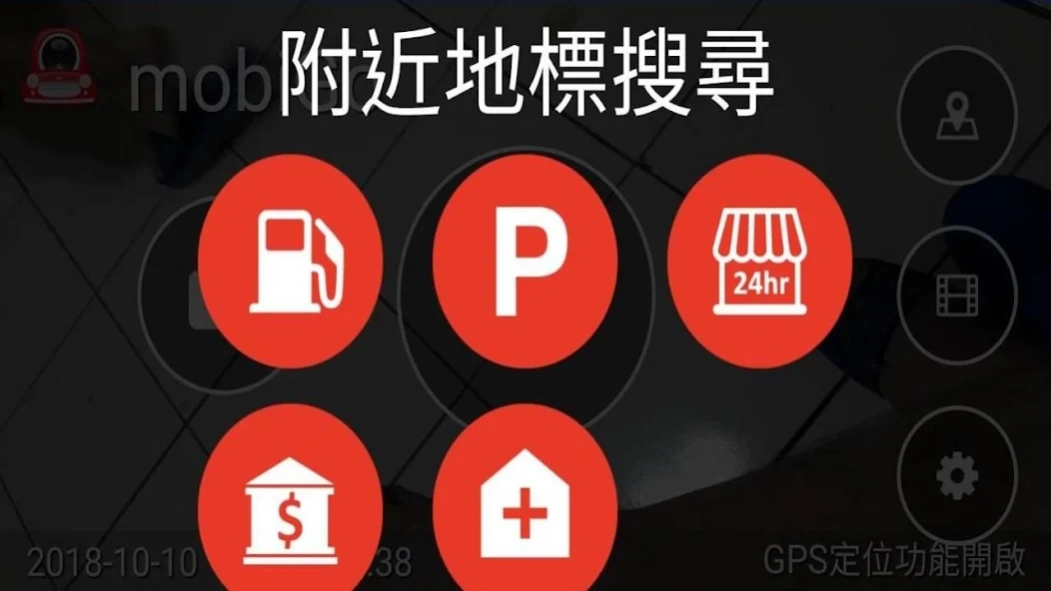
- Search by nearby locations to search for nearby parking lots, gas stations, convenience stores, restaurants, hospitals, banks
- Loop video, automatically overwrite older movies without taking up too much storage space
- Collision detection, when a collision is detected, the video is automatically locked to ensure that it is not overwritten
- GPS information recording, timing recording location, and showing the driving route with the map
- Users can easily share captured videos and photos on Facebook, Youtube and other social platforms, or share them through communication software.
- Can set the video quality, movie clip length, use space, etc.
- Browse and manage your recorded videos directly on your phone
About mobiGO
The company that develops mobiGO is POPCO. The latest version released by its developer is 3.3.3.
To install mobiGO on your Android device, just click the green Continue To App button above to start the installation process. The app is listed on our website since 2020-02-25 and was downloaded 0 times. We have already checked if the download link is safe, however for your own protection we recommend that you scan the downloaded app with your antivirus. Your antivirus may detect the mobiGO as malware as malware if the download link to in.okplug.sesamecardvr.cc00dvr is broken.
How to install mobiGO on your Android device:
- Click on the Continue To App button on our website. This will redirect you to Google Play.
- Once the mobiGO is shown in the Google Play listing of your Android device, you can start its download and installation. Tap on the Install button located below the search bar and to the right of the app icon.
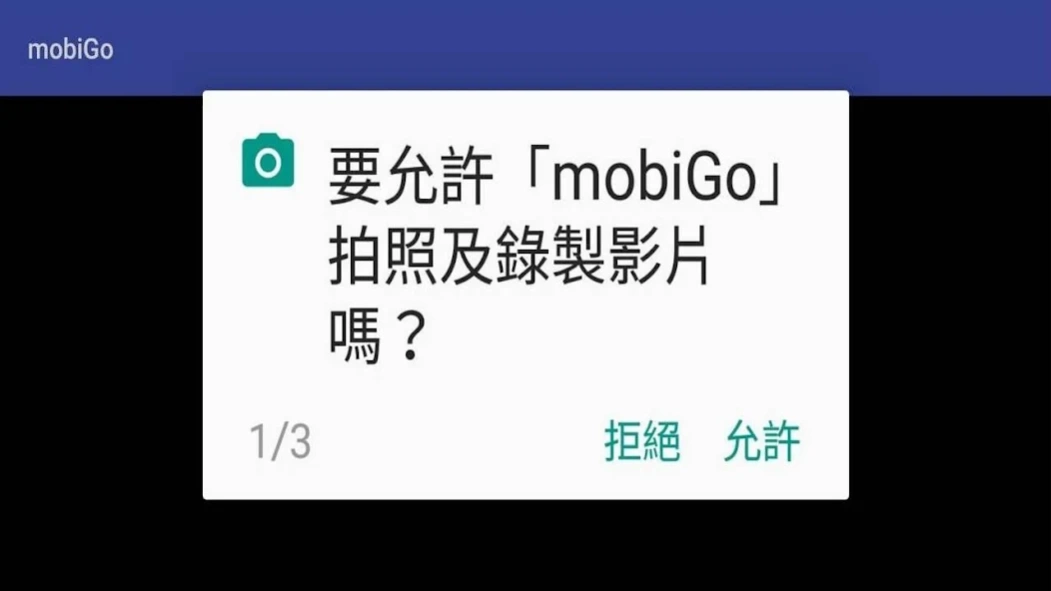
- A pop-up window with the permissions required by mobiGO will be shown. Click on Accept to continue the process.
- mobiGO will be downloaded onto your device, displaying a progress. Once the download completes, the installation will start and you'll get a notification after the installation is finished.
Program Details
System requirements
Download information
Pricing
Version History
version 3.3.3
posted on 2020-02-25
Fix minor bugs
Disclaimer
Official Google Play Link
We do not host mobiGO on our servers. We did not scan it for viruses, adware, spyware or other type of malware. This app is hosted by Google and passed their terms and conditions to be listed there. We recommend caution when installing it.
The Google Play link for mobiGO is provided to you by apps112.com without any warranties, representations or guarantees of any kind, so access it at your own risk.
If you have questions regarding this particular app contact the publisher directly. For questions about the functionalities of apps112.com contact us.
